
Download iPod PhotoSlideshow Maker – Slideshow Maker, Photo Slideshow, iPod, Music, Transitions, Free, Photo Editing, Memory, Presentation, Creative
Overview
iPod PhotoSlideshow Maker is a free iOS application designed to enhance the multimedia experience of users who own an iPod. Its primary purpose is to enable users to create personalized photo slideshows using their existing image library. By integrating visual storytelling with audio and dynamic transitions, the app transforms static photographs into engaging presentations. It serves as a tool for preserving and sharing personal memories, making it ideal for individuals who value visual documentation of life’s moments.
The app is particularly useful for users who want to repurpose their photo collections into entertaining or emotional displays, whether for personal enjoyment or sharing with family and friends. Target users include casual photographers, nostalgic users, and anyone seeking a simple way to showcase their memories on an iPod device. Although the developer’s background is not disclosed beyond the app’s name, the app’s long-standing presence since its release on September 4, 2007, suggests a stable and enduring utility within the iOS ecosystem.
Real-world use cases include creating birthday tributes, travel recaps, or anniversary montages. The app’s focus on simplicity and accessibility positions it as a niche yet valuable tool in the productivity and creative app category. Despite its age, it remains relevant for users with older iPod models or those who prefer lightweight, no-frills applications.
Key Features & Functionality
- Custom Photo Selection: Users can handpick specific images from their device’s photo library to include in a slideshow. This feature supports personalized storytelling, allowing individuals to curate memories based on events, emotions, or themes.
- Enhanced Sound Integration: The app allows users to pair their slideshow with custom audio, such as background music or voice narration. This feature deepens emotional engagement by aligning visuals with sound, ideal for creating mood-driven presentations.
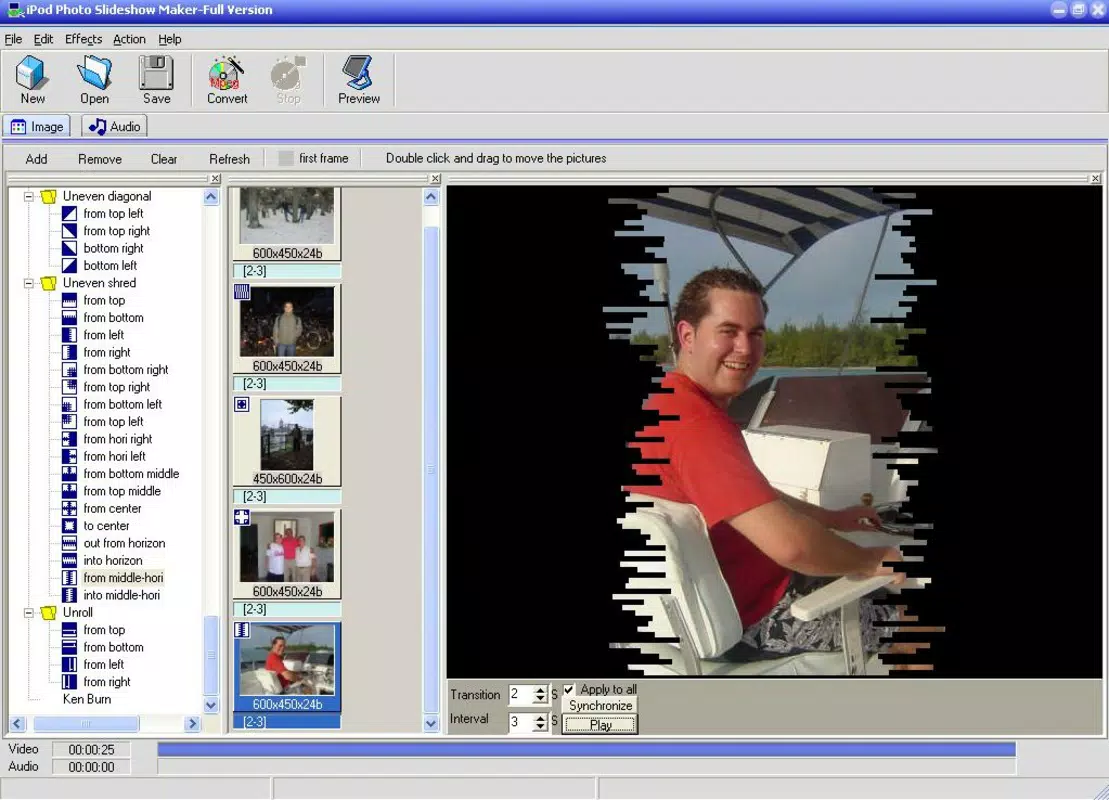
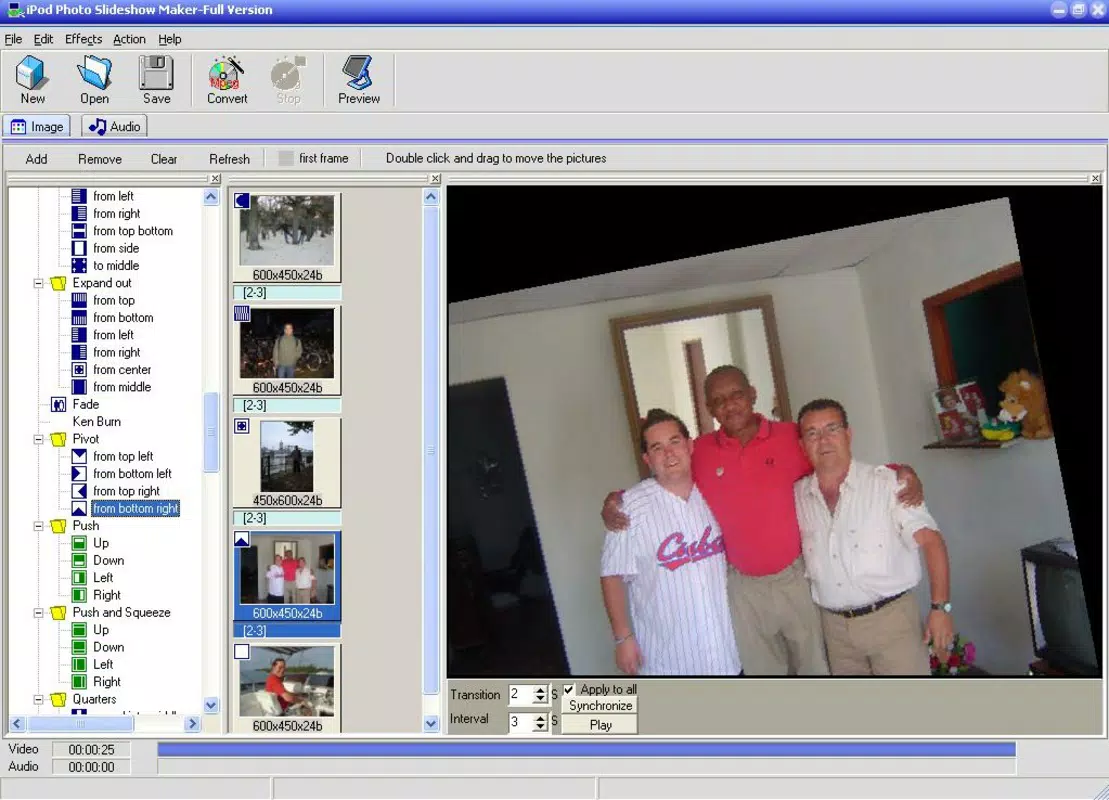
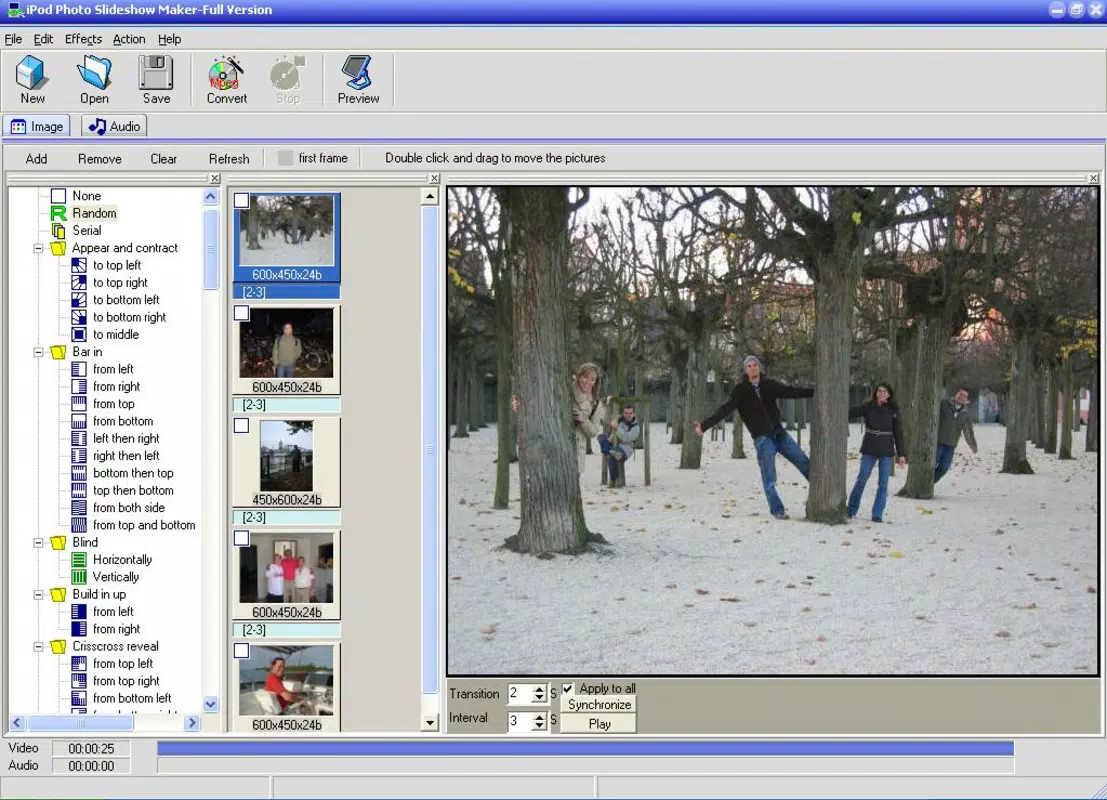
- Variety of Transition Effects: With access to over 100 transition styles, users can choose from fades, wipes, flips, and other visual effects to create smooth, dynamic picture changes. This diversity supports creative expression and helps maintain viewer interest.
- User-Friendly Interface: Designed with simplicity in mind, the app features intuitive navigation and minimal learning curve. Even users unfamiliar with multimedia tools can create slideshows without technical assistance.
- Free of Charge: The application is available at no cost, offering full access to all core features. This makes it an accessible option for users seeking a no-fee solution for photo presentation and memory preservation.
For example, a user could compile vacation photos, add a favorite song, and apply a “glide” transition to create a cinematic travel recap. Another might use a sentimental melody with a sequence of family photos to commemorate a milestone event. These practical applications demonstrate how the app supports both emotional and creative expression.
Interface, UX & Performance
The interface of iPod PhotoSlideshow Maker is designed with minimalism and usability as core principles. Navigation is structured around a linear workflow: select photos, choose music, apply transitions, and export the slideshow. The layout is clean, with clearly labeled buttons and visual cues, reducing the likelihood of user confusion.
Although the developer did not list formal performance metrics, the app’s lightweight size of 2.5 MB suggests optimized resource usage. It is likely to run smoothly on older iOS devices, especially those compatible with the app’s original release in 2007. Users can expect responsive interactions, with minimal lag during photo selection and transition preview.
Stability appears to be a consistent strength, given the app’s longevity and continued availability. However, compatibility with modern iOS versions has not been confirmed. The developer did not specify minimum OS requirements, so users should exercise caution when installing on newer devices. Overall, the UX prioritizes ease of use over advanced customization, making it suitable for users who value straightforward functionality.
Platform Compatibility & Technical Requirements
iPod PhotoSlideshow Maker is available exclusively on iOS, indicating compatibility with Apple’s mobile operating system. The app’s version is listed as 1.0, suggesting it may not have undergone major updates since its initial release in 2007. The file size is 2.5 MB, which is minimal and indicates a lightweight design.
While the app is intended for use on iPod devices, the developer did not specify the exact iOS version or device compatibility. As such, users should be aware that the app may not function properly on newer iOS versions or devices released after 2007. The developer did not provide additional technical details, so potential users are advised to verify compatibility with their specific device and OS version before installation.
Pros and Cons
Pros
- Completely free to download and use
- Simple, intuitive interface suitable for all skill levels
- Offers over 100 transition effects for creative customization
- Supports custom audio integration to enhance storytelling
- Lightweight file size (2.5 MB) for minimal storage impact
Cons
- Version 1.0 has not been updated since 2007; compatibility with modern devices is uncertain
- Developer did not disclose minimum OS or device requirements
- Limited to iOS platform; no availability on Android or other systems
- No information on export formats or sharing options
- Outdated design may not align with current user expectations
FAQ
Is iPod PhotoSlideshow Maker safe to install?
The app is available through official iOS channels and has been in circulation since 2007. While no recent security audits are available, its long-standing presence suggests it is free from known malicious components. Users should still ensure they install from trusted sources.
Can I use this app on my iPhone or iPad?
Although the app is designed for iPod, it may function on iPhone or iPad devices that support iOS 1.0 or later. However, compatibility with modern iOS versions has not been confirmed. Users should verify device compatibility before installation.
Does the app require an internet connection?
No, iPod PhotoSlideshow Maker operates offline. All features, including photo selection, audio integration, and transition application, can be completed without an active internet connection.
How often is the app updated?
The app has not been updated since its initial release on September 4, 2007. The developer has not provided information on future updates or maintenance plans.
Can I share my slideshow with others?
The developer did not specify sharing capabilities or export formats. It is unclear whether slideshows can be saved to the device, transferred to other devices, or shared via messaging or cloud services.
Final Thoughts
iPod PhotoSlideshow Maker remains a unique tool in the iOS ecosystem, offering a no-cost solution for creating personalized photo presentations. Its focus on simplicity, combined with features like customizable transitions and audio integration, makes it a compelling choice for users who value emotional storytelling through visuals. While its age and lack of updates present compatibility concerns, its lightweight design and zero cost continue to offer value for niche users.
Those who own older iPods or prefer minimalistic, dedicated tools will benefit most from this app. It stands out as a reliable, no-frills utility that delivers on its core promise: transforming photos into memorable experiences. For users seeking a straightforward way to enhance their iPod’s multimedia capabilities, it remains a viable option.
Download iPod PhotoSlideshow Maker now


